

Integrates in minutes. Runs on anything. Stays in sync.
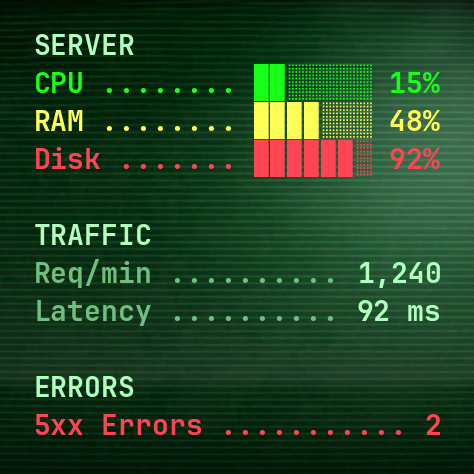
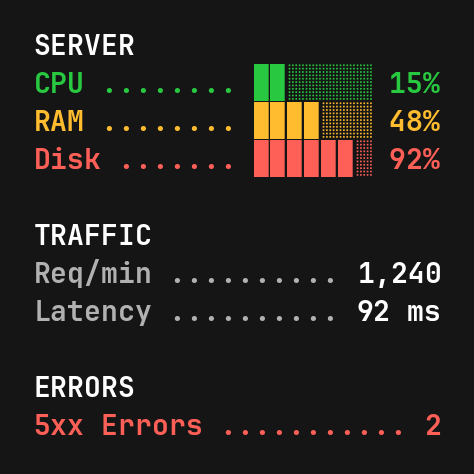
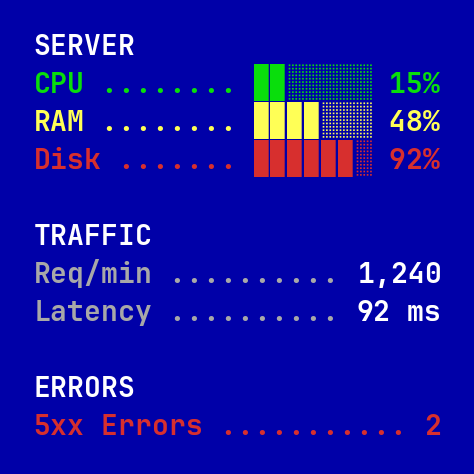
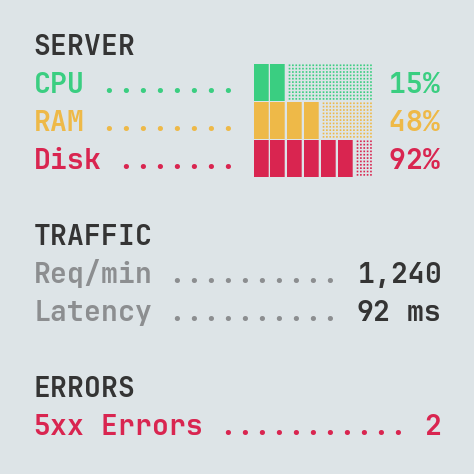
API Widget takes data from your JSON API and displays it as a clean, always-up-to-date live widget. You can choose from multiple themes to match your style and focus on what matters.
Turn your API JSON into widgets
> display business metrics
> monitor server status
> track sales & revenue
> show real-time backend data
> keep your numbers on screen
> watch marketing performance
> mirror any backend metric
API Widget
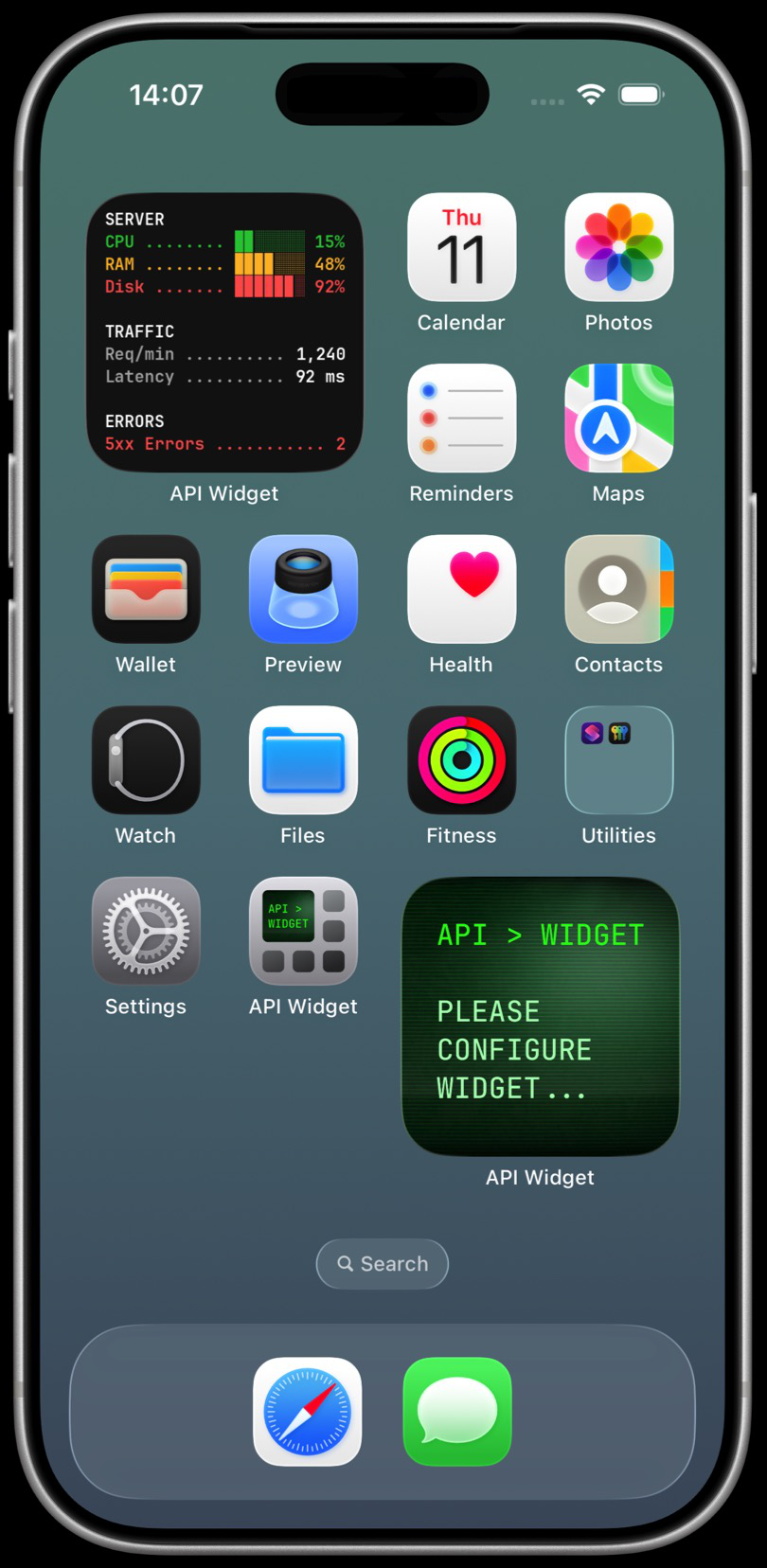
How API Widget works
Three simple steps to turn your data into a live widget
Step 1
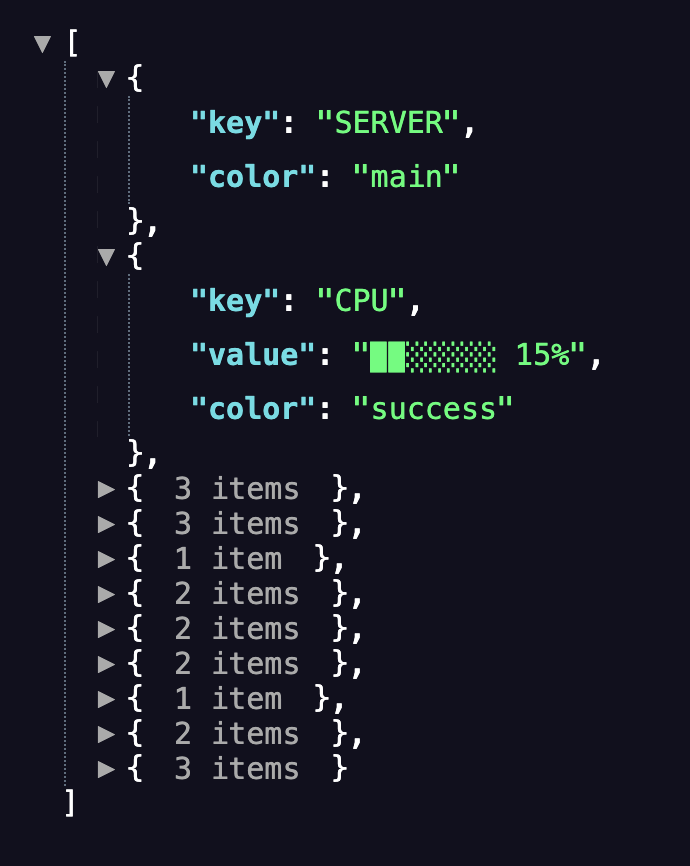
Prepare your data
Create a simple JSON endpoint that returns your metrics as key–value pairs.
Create a simple JSON endpoint that returns your metrics as key–value pairs.
Step 2
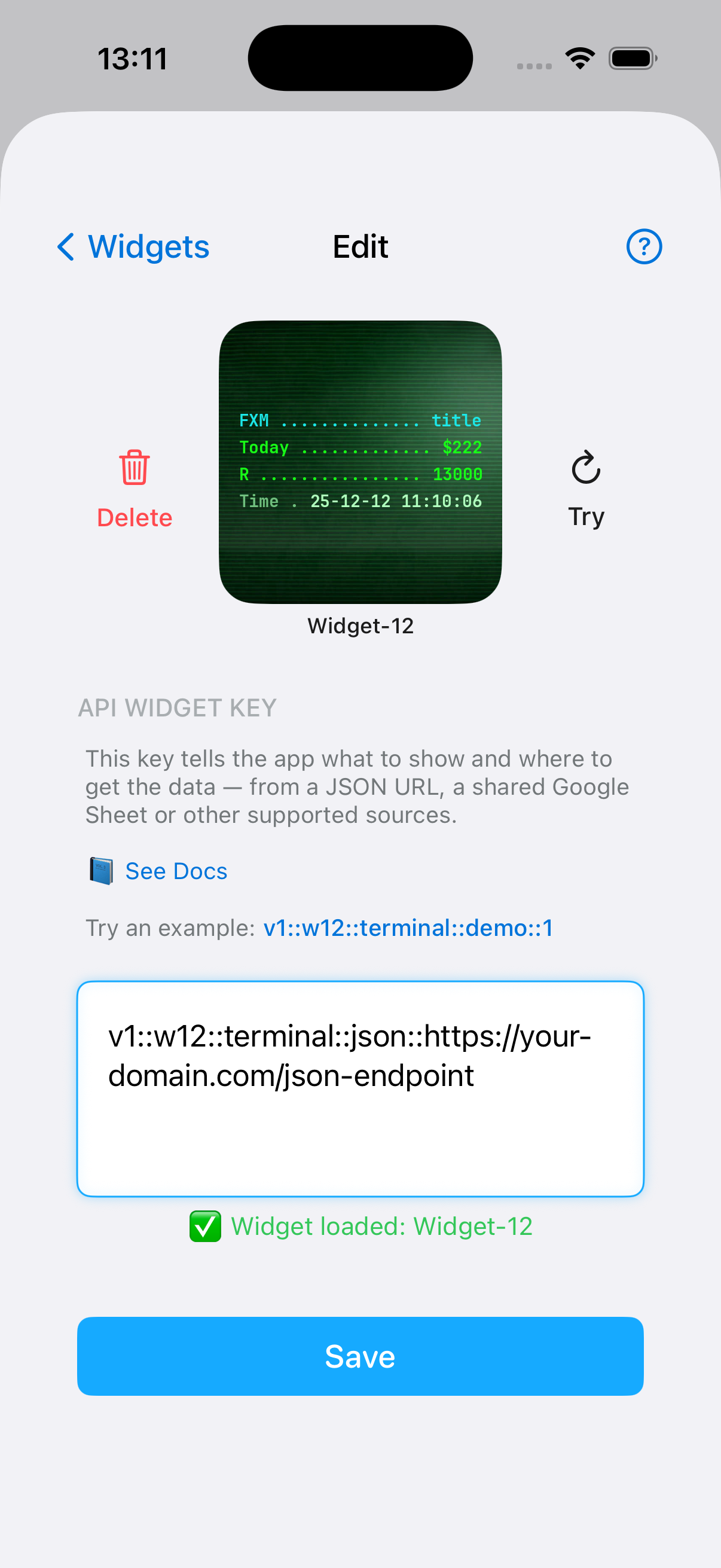
Create API Widget key
One simple key controls the widget type, theme, and where the data comes from.
One simple key controls the widget type, theme, and where the data comes from.
Step 3
Paste the key in the app
Add the widget to your Home Screen and watch it update automatically.
Add the widget to your Home Screen and watch it update automatically.
👀 So...
--> Prepare data
--> Get a widget
--> That’s it ✨
--> Get a widget
--> That’s it ✨
## Widget update frequency is managed by iOS WidgetKit and depends on system conditions such as battery level and usage patterns.